The Portable Document Format (PDF) is a format designed to make exchanging documents easier. It was developed by Adobe Systems. The creation of PDF is very easy with our free PDF Creator. Find out how you can create PDF from any application which has the 'print' option.
MS Word is one of the most used text processing applications and PDF is the most used format to publish documents. Using our free PDF software you can continue to use Word or any other text processor to write your documents and still publish them as PDFs. Click here to learn how to convert word to PDF.
We provide a free, easy to use, PDF creator for Windows, to create PDF files from any application by using a virtual printer. The new version of our PDF creator has a lot of useful features. Go to the PDF creator download page and download the PDF creator for free:
There are two ways to convert documents to PDF using the PDF24 tools: Use our online PDF converter to upload your documents to pdf24.org and we send back the converted PDF to you. Download and install our PDF Creator software to create PDF on your PC.
Our free PDF creator software is recommended by the German computer magazine "ComputerBILD". It is widely used and because there is only the free version you don't have to worry about any feature restrictions. Download it now and try it out!
Our free software project gives you a powerful tool to create PDF files. The tool is very easy to use and you can create PDF documents from almost any application. Furthermore, the tool can not only create PDF files but also edit existing ones.
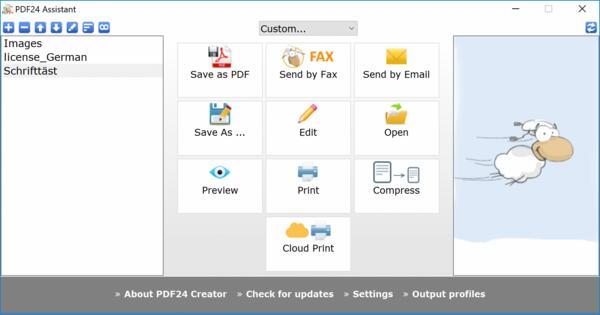
Our free PDF printer works with all windows applications because we use a virtual printer to create PDF files. The PDF creation process is as follows: First, create your documents in your favourite application e. g. Word. To create a PDF of your document just print it out on the virtual PDF printer. This creates a PDF file based on the contents of your document.
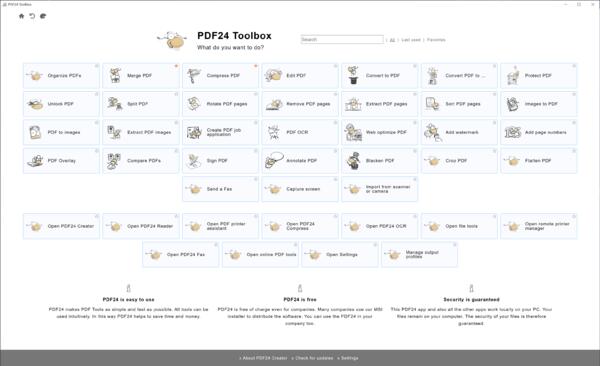
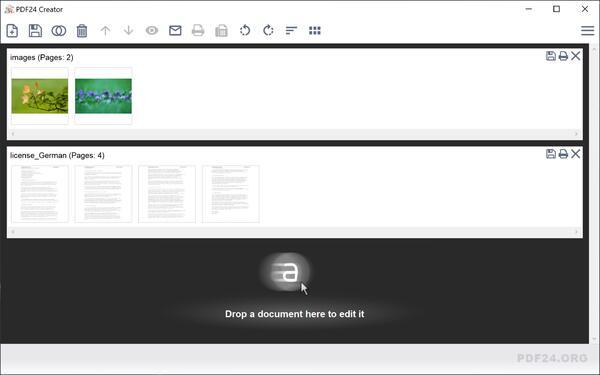
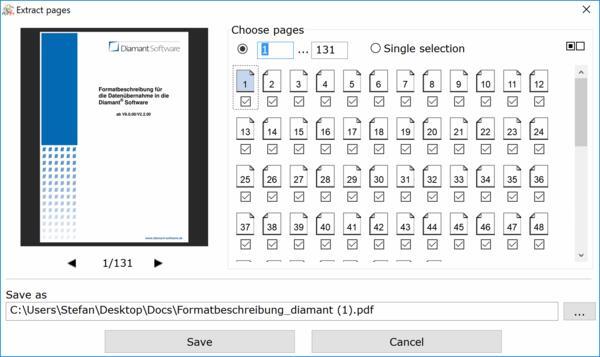
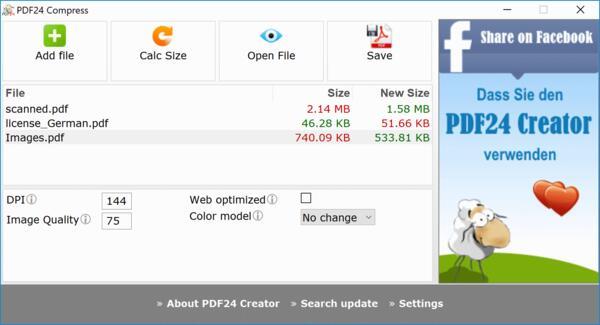
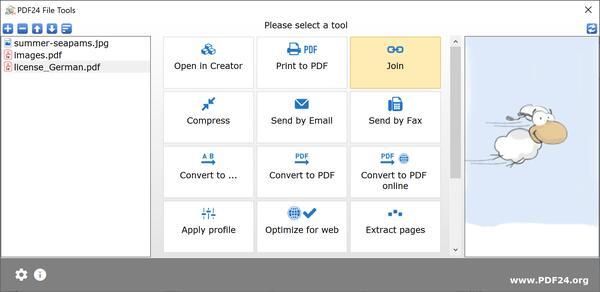
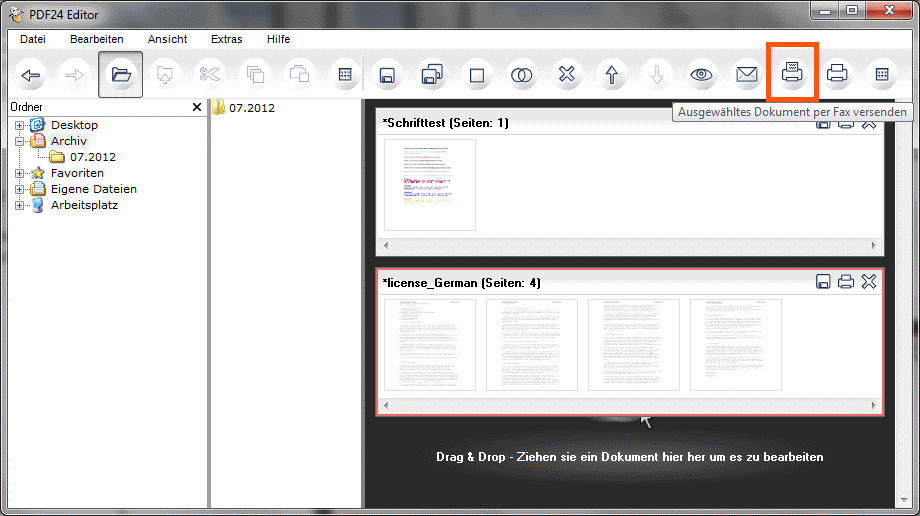
The free PDF software by PDF24 can not only create PDF files but also edit them. The PDF software contains a virtual PDF printer with which you can create PDF files out of almost any application and a PDF editor to edit existing PDF files. The editor is a powerful tool which can rearrange, delete or paste pages, merge or split documents, edit properties and a lot more. Have a look at our free PDF software.
PDF24 provides a free PDF editor for windows. This PDF editor is freeware which you can use to edit your PDF files. The PDF editor contains a lot of useful features and is very easy to use.
The new PDF24 Creator contains a PDF editor to edit PDF files. The editor contains lots of useful features for daily life. You can split, merge and rearrange pages, secure a PDF with a password, change PDF properties and much more. You need the PDF24 PDF Creator to edit PDF files for free.
Create PDF and edit PDF for free with PDF24 PDF Creator
100% free PDF Creator & PDF Converter
The 100% free PDF Creator and PDF Convertor supplied by PDF24.org works with all Windows programs and has a lot of features you wouldn't expect from free software: create PDF files from almost any Windows application, re-order pages, merge, split, and password-protect your existing PDF files. PDF creator download
Online PDF Converter for your website too
Using our Online PDF Converter
you can convert the most common file formats into a PDF without
installing any software. The only thing you have to do is upload your
file to our website and the resulting PDF will be emailed to you
shortly afterwards. You can even integrate the Online PDF converter
into your own website.
Create PDF with PDF24 plugins and widgets
PDF24.org provides free widgets and plugins for your blog, your bulletin board and your website.
PDF plugins!